Get Started
Your Cart
$ 0.00 USD
:
Remove
No items found.
Product is not available in this quantity.
How does it work?
Guide step-by-step
How to get Bookly as an existing user
Follow these steps to get your premium access.
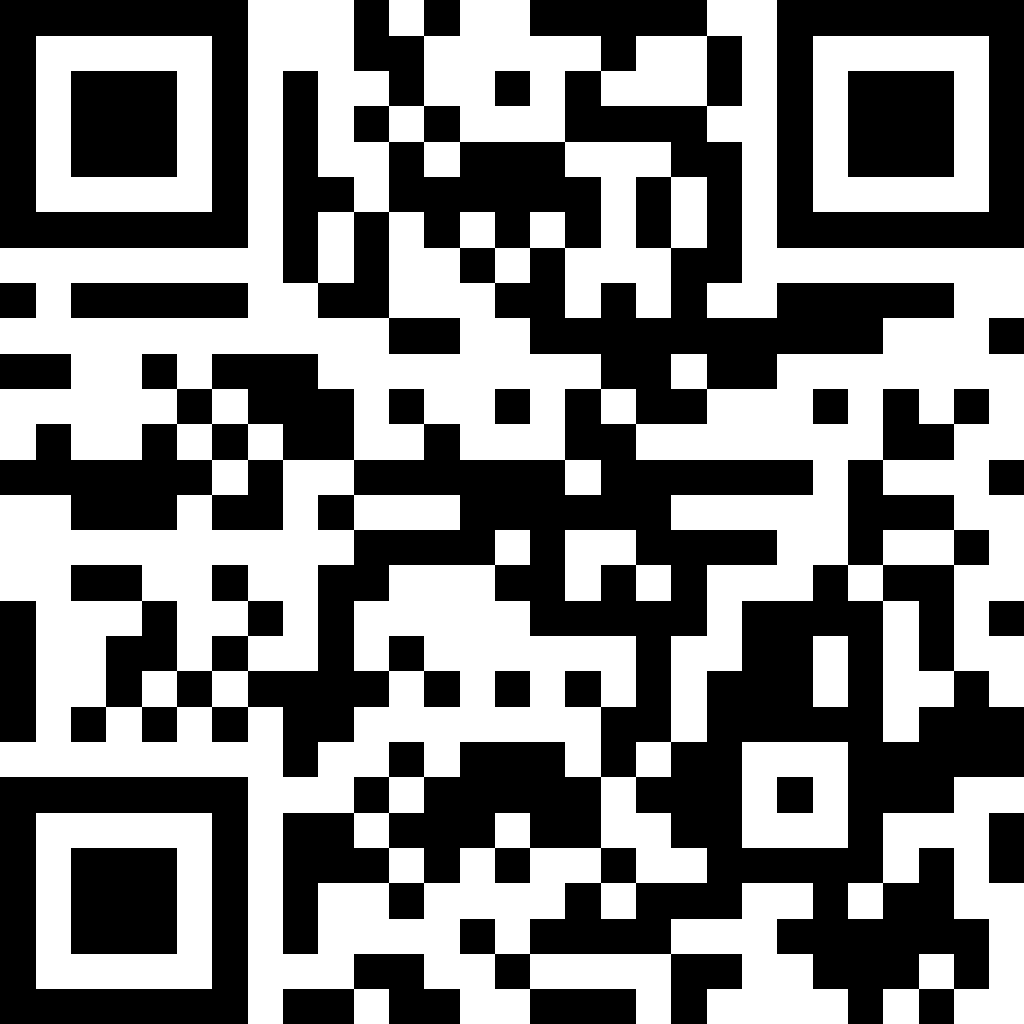
SCAN QR CODE
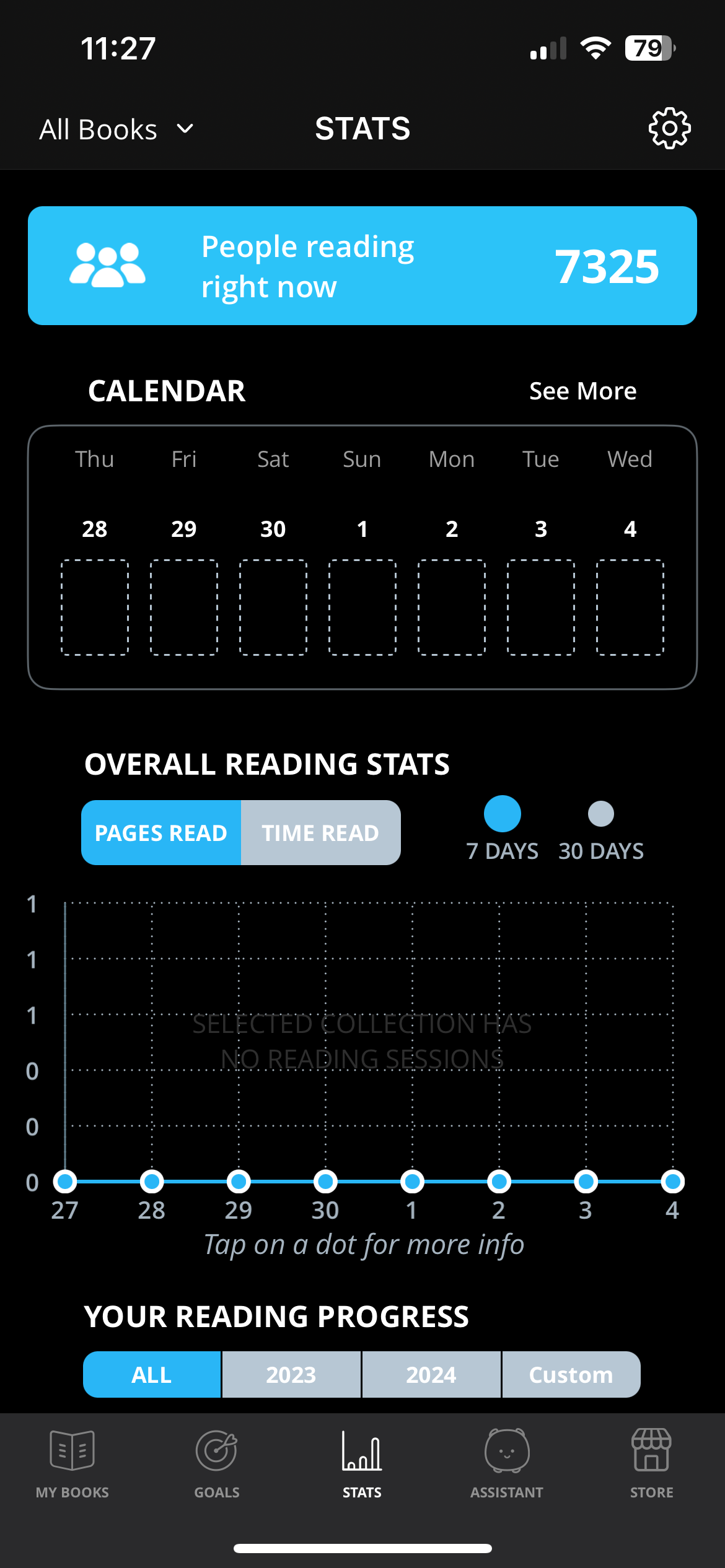
When in the app, go on the “stats” screen
Click on the settings icon on the top right
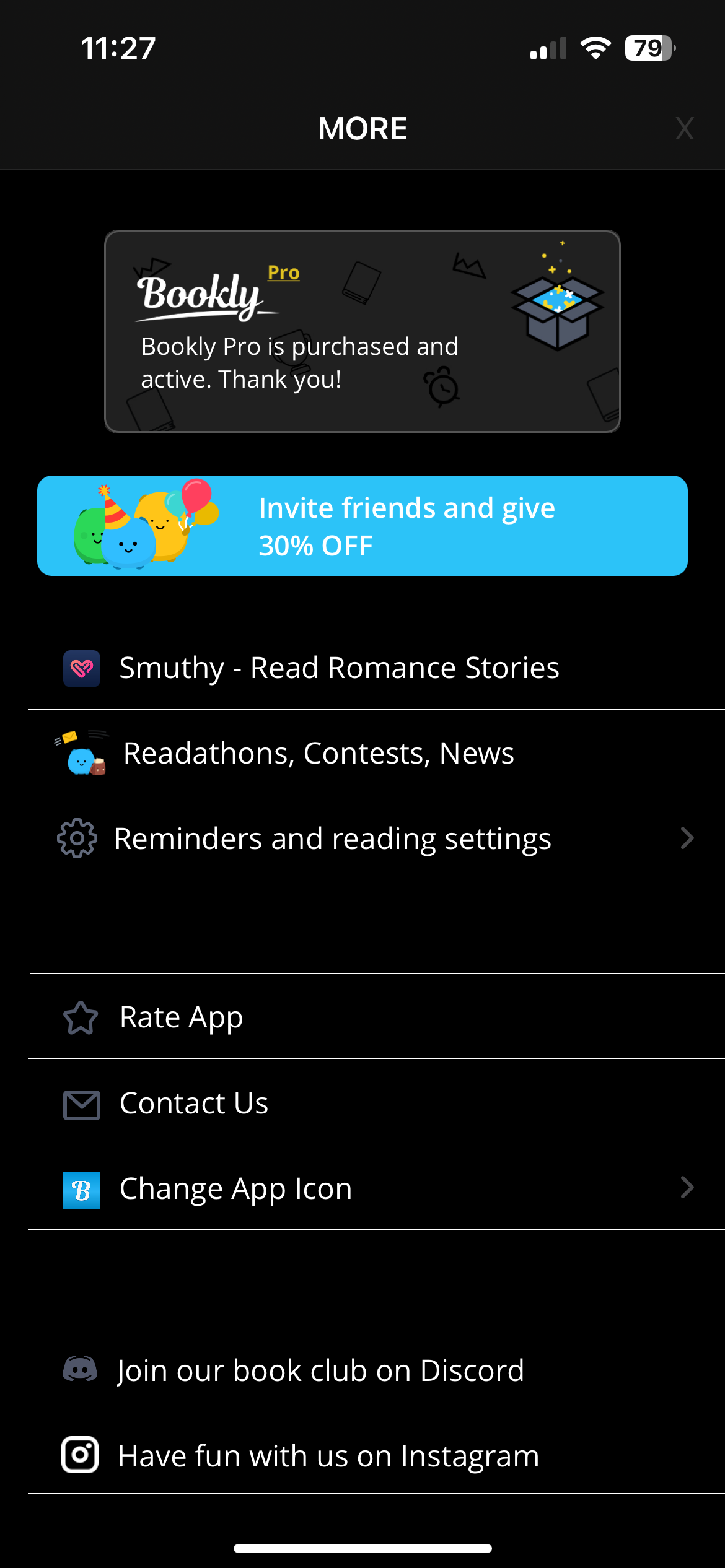
On the settings screen, select “Readathons, Contests, News”
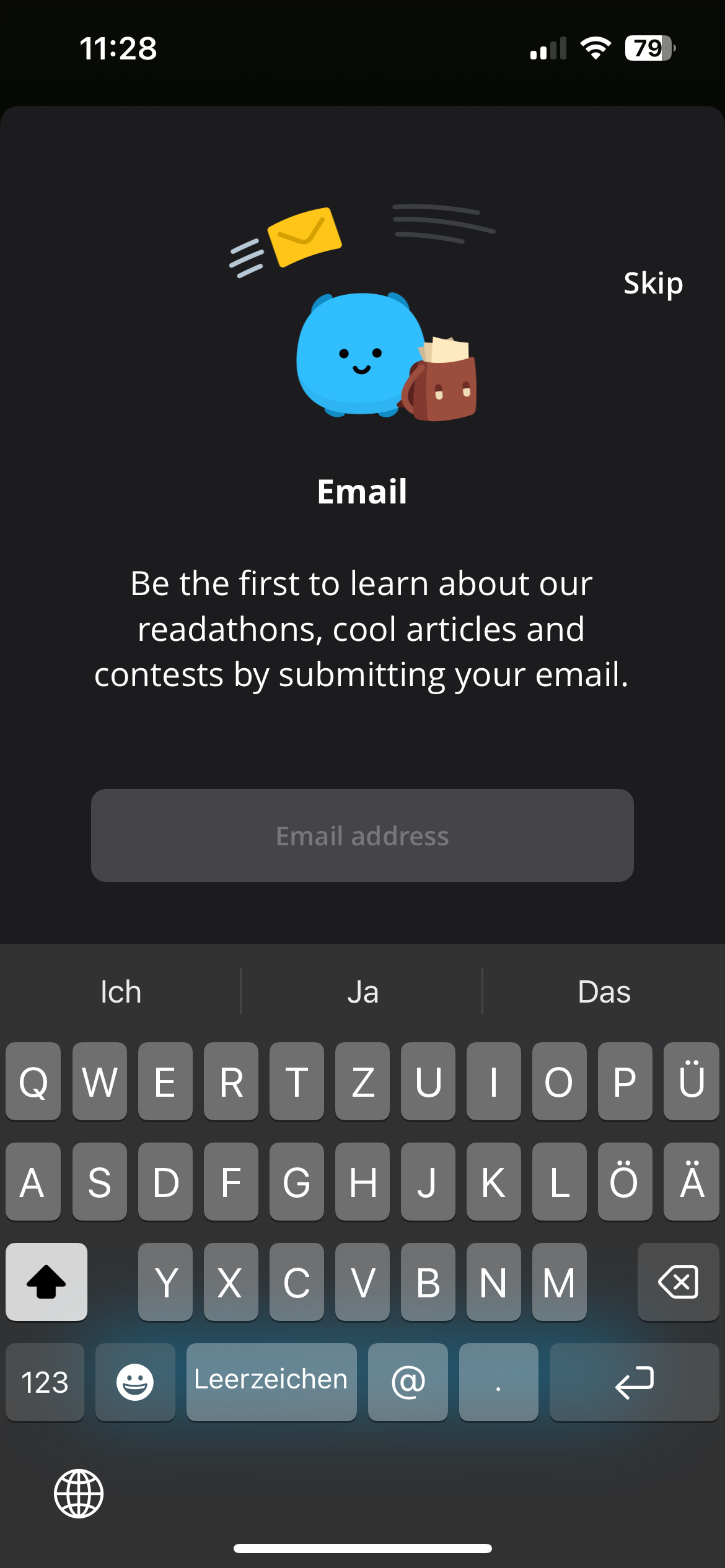
Enter your email address
Click on “Submit” and get premium access!
NOTE
: You will automatically sign up to a newsletter from Bookly. Once you receive the first email, you can unsubscribe from this news letter.



.svg)
.svg)
.svg)
.svg)